Plaud Note Pro AI Note Taker – Review
By Steve Crabtree, April 2026
It’s project meeting after project meeting, after content meeting after marketing meeting at work at the moment. Notes, actions, notes and more actions – and although I switched to a helpful e-writer tablet a few years ago, technology is in such a place at the moment that I’ve seen better gadgets out there to make this part of working life even simpler.
Not so long ago I’d seen the original Plaud Note doing the rounds on social media and on YouTube. It looked clever. Anything that’s clever and helpful gets a thumbs up from me.
So, when the Plaud Note Pro landed, I was keen to see if this would be a clever help to me. Would it live up to the hype of “ending manual note-taking?”
A bold claim; but after a few weeks of letting this little gadget sit in on my meetings, I’m not sure if could manage without it now…
What’s in the box
- PLAUD Note Pro AI Voice Recorder
- Magnetic case
- Magnetic ring (for non-MagSafe phones)
- USB-C charging cable
- Quick start guide
“Ultra-discreet”
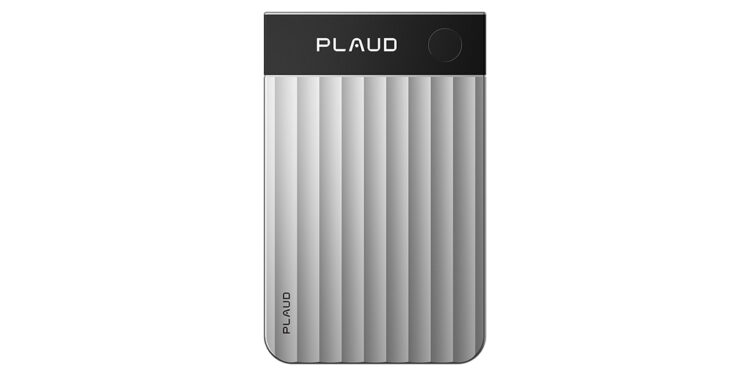
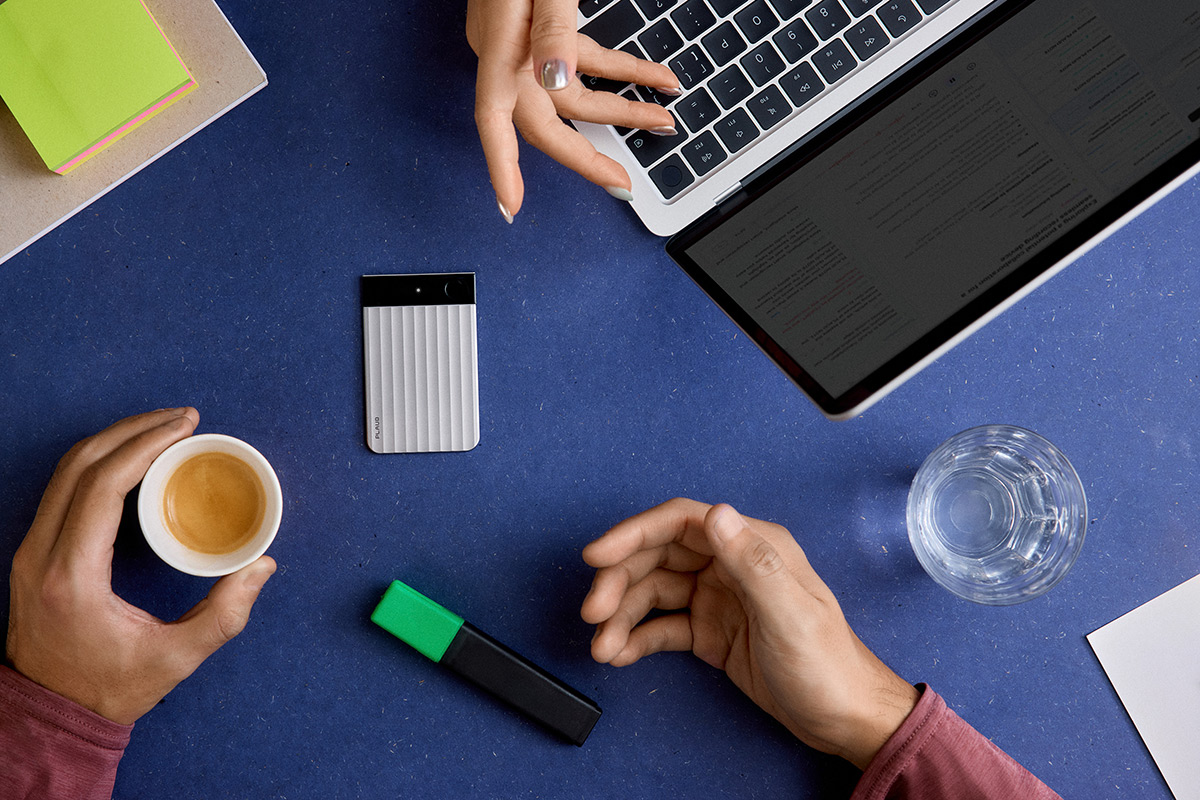
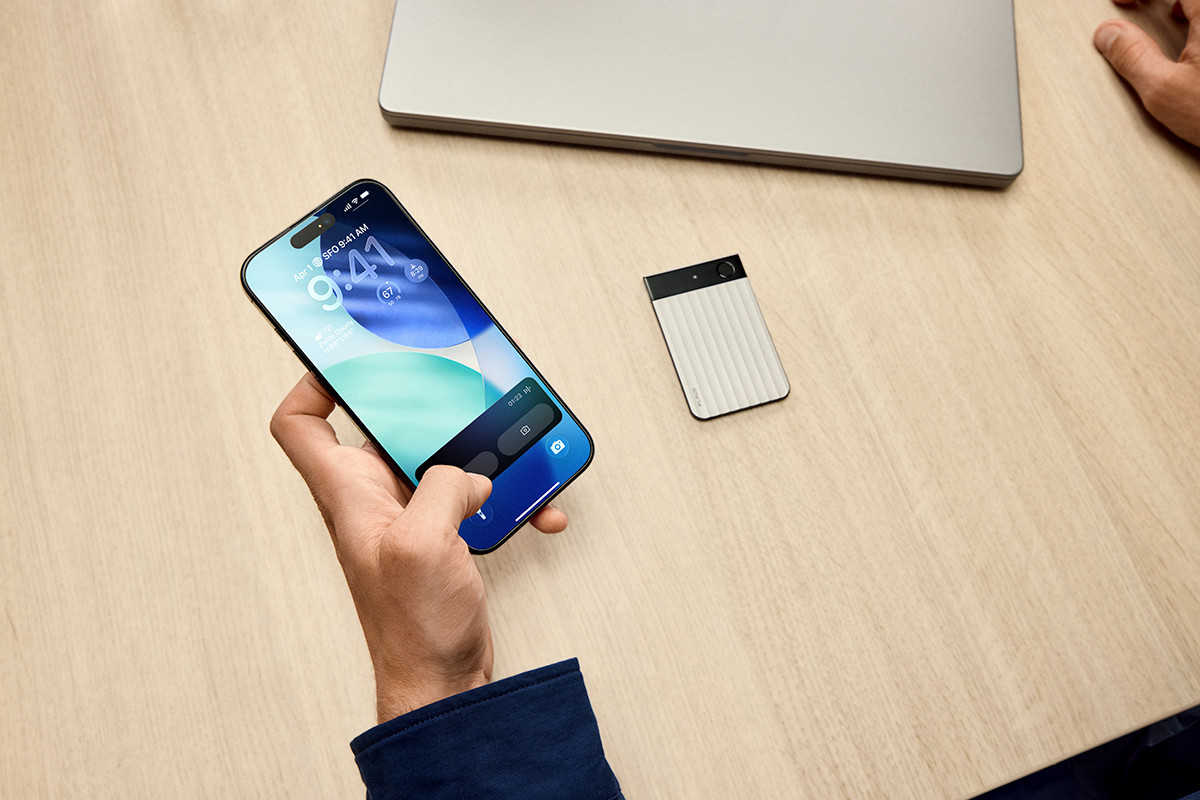
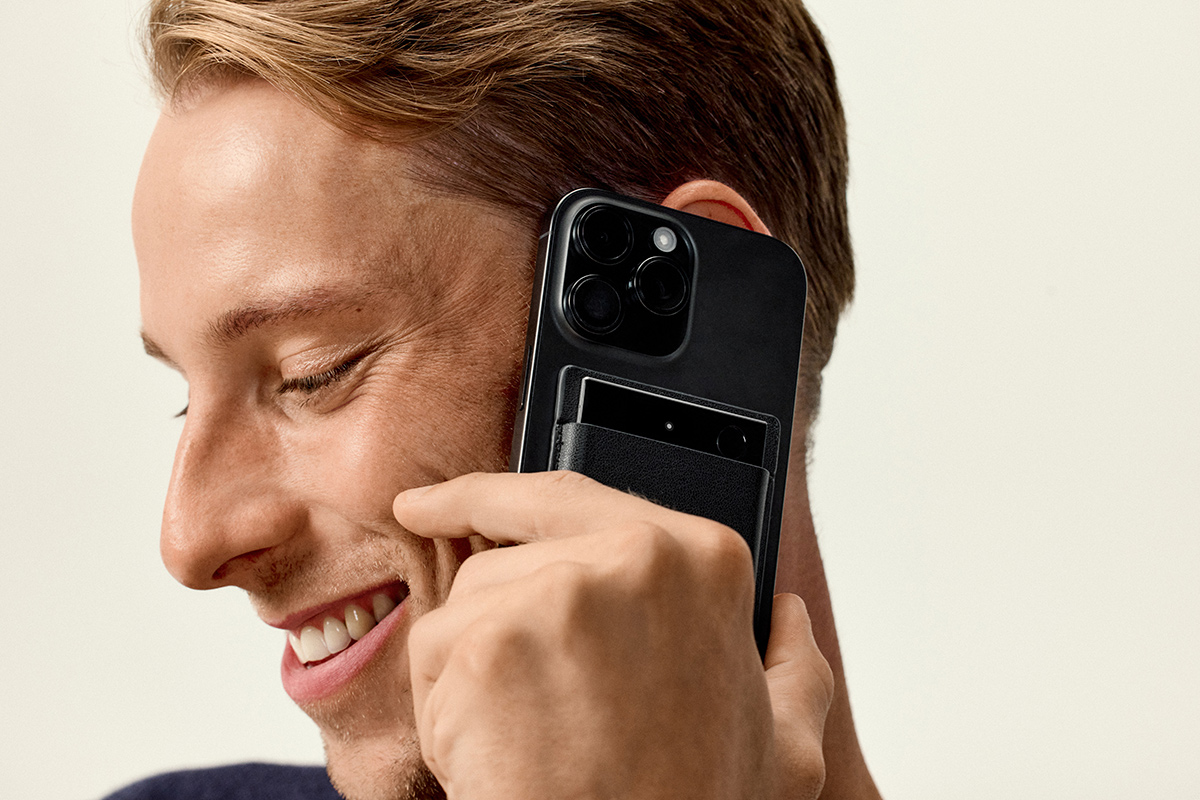
Now, when you see this advertised, it looks like it could be tablet sized. But when you get the packaging it’s considerably smaller than that. Then, when you unbox it, it outdoes itself. This piece of kit is impossibly thin. It’s roughly the size of a credit card and about as thick as two or three stacked together. It’s got a lovely textured aluminium finish that feels premium, and it snaps onto the back of a phone via MagSafe perfectly.
Honestly, I was astonished when I had it in my hands. In fact, one of the best things about the Plaud Note Pro is just how ultra-discreet it is. Not once has a single team member even realised I was using this tiny device to take notes. Because it doesn’t look like a traditional recorder, nobody felt put off or started carefully wording their sentences…it just sat there, doing its job while we got on with ours.
Set up is simple. You download the app, sign up, and enable bluetooth on your device. It’s a simple link up between device and Plaud Note Pro, and then you’re away. The app becomes your dashboard, keeping all your notes and transcripts in ones place and helping you decide how they’re going to look via its Template Community.
“A fantastic job”
It took me minutes to set up, and its first test came when I took it into an hour-long session with eleven people. We weren’t all huddled around a table either; people were scattered at various desks, some close by and others a good eight metres away.
With a press and hold of a button, you get a tiny vibration that lets you know the recording has started, and you’re away. Get on with that meeting, and put your pen down!
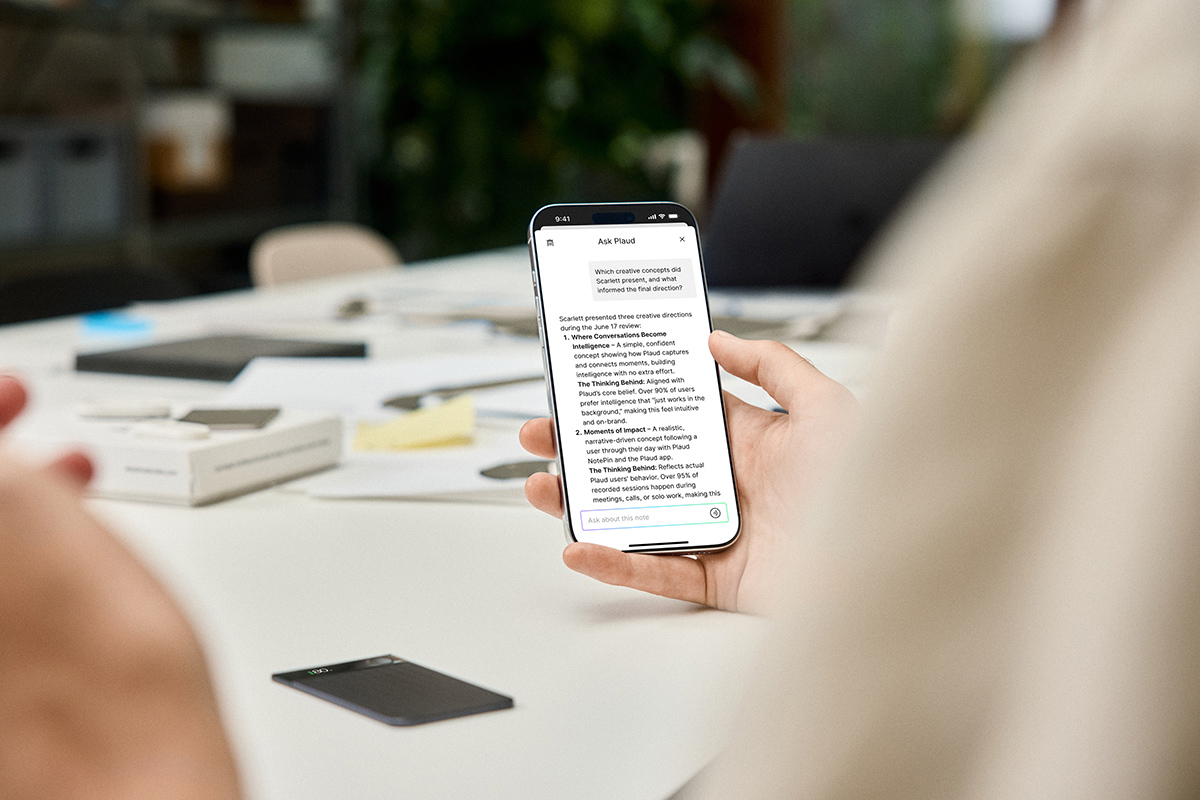
And, for the most part, it did a fantastic job. I pressed the button again at the end of the meeting, and after a few minutes a transcript, meeting summary, and action points list was there in my app, ready to review and send round. Genius.
It struggled ever so slightly with the “further-awayers,” occasionally getting their identities mixed up in the transcript, but the overall summary was spot on. The action points were all covered, and it’d even pulled out when a decision on something had been made, worked out who was taking responsibility for an action, and if timescales were mentioned they’d be set out clearly too.
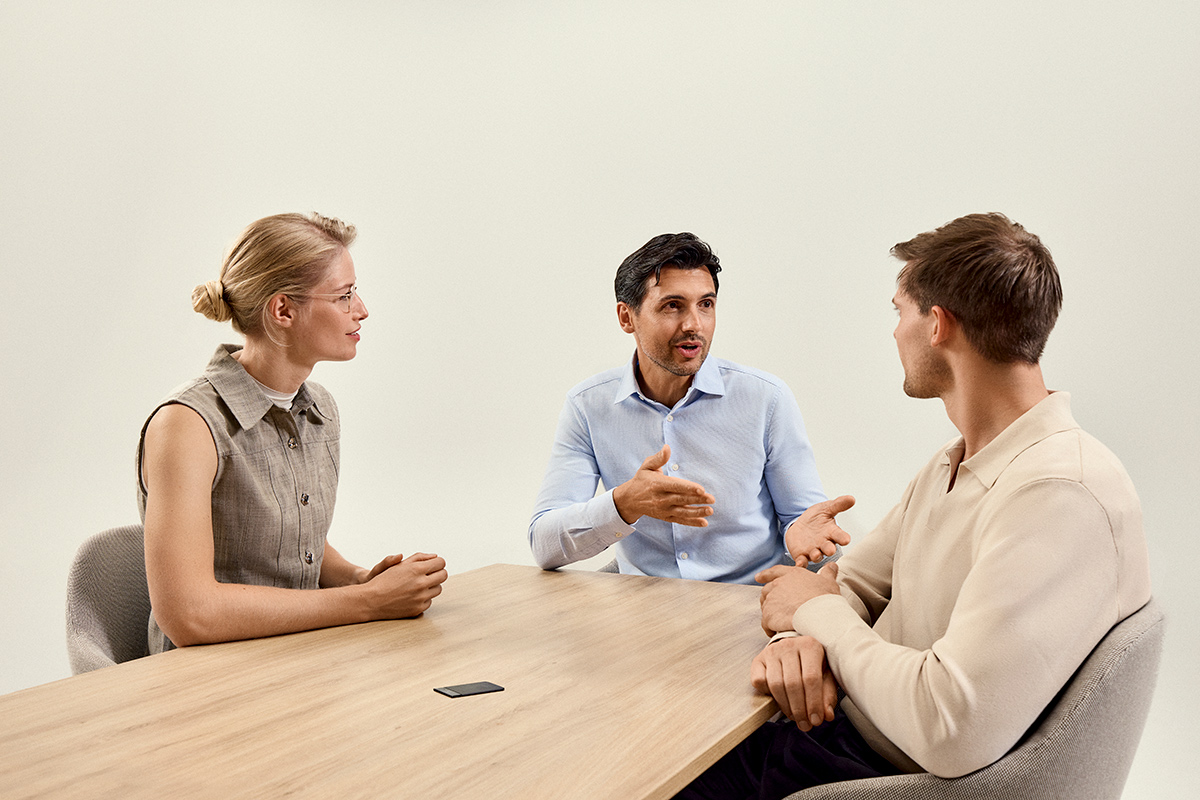
And it worked a treat when I moved to a smaller meeting with six people around a standard table. On this occasion it was pretty much perfect. It really took the pressure off needing to scribble and listen, providing a solid set of notes and a clear summary. All at the push of a button.
“AI brain at work”
Using it is dead simple. You toggle between Meeting Mode using the four-way mics and Phone Call Mode. When a call comes in, you just flick the switch, and it captures both sides of the conversation perfectly without any of the usual faff.
It stores safely in its leather holder, and it’s so lightweight it adds nothing to your laptop bag, inside pocket, or wherever you’re keeping it and transporting it.
Of course, it’s an AI brain at work. And, as with all AI, you still need to use your own eyes for the odd tweak here and there. But, it gets you 95% of the way there in seconds. And the only thing that I had to do a couple of times is change the transcript language. For some reason, it spat out a load of Welsh on a couple of occasions – but that was easily remedied when I tinkered with a setting and asked it to transcribe again in the app.
What PLAUD says
“The PLAUD Note Pro is the world’s first dual-mode AI voice recorder, designed to capture meetings, calls, and memos with ease. Featuring a 4-mic array and AI beamforming technology, it delivers crystal-clear audio from up to 5 metres away. Integrated with GPT-4o and Claude 3.5, it provides instant transcriptions in 112 languages and professional summaries across 30+ templates. With its slim 2.99mm design and AMOLED display, it’s the ultimate productivity tool for the modern professional.”
The verdict
I’m genuinely impressed. The Plaud Note Pro isn’t just a fancy Dictaphone; it’s more like having a very quiet, very efficient PA sitting in your desk, or on your phone. It’s saved me hours of post meeting scribbling and “what did they say again?” moments over the last month.
It’s worth noting that to get the most out of the AI summaries, there is a subscription model involved. Something to keep in mind for the monthly budget. However, if your job involves a lot of meetings or you’re a student trying to keep up with lectures, the time it saves you is worth every penny. It’s sleek, it’s smart, and it works exactly as advertised.
The Plaud Note Pro is available from uk.plaud.ai. RRP: £169.00
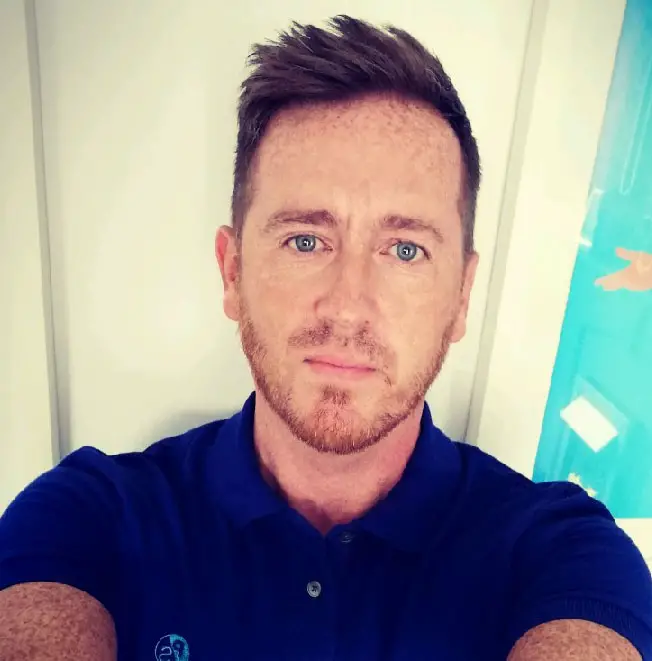
Give Steve music, give him food, give him theatre, tech or travel… and he’s a happy man. He’s been writing professionally since 2003, turning to journalism in 2017 when it offered him the chance to enjoy a lot of his existing passions, and learn some new ones at the same time. Steve can be found spending many of his summer nights watching bands at The Piece Hall in his hometown of Halifax, or enjoying a bite to eat and a drink with his wife anywhere in Yorkshire at any time of year. Random fact: He does the best impression of Zippy and George from Rainbow that anyone has ever heard.